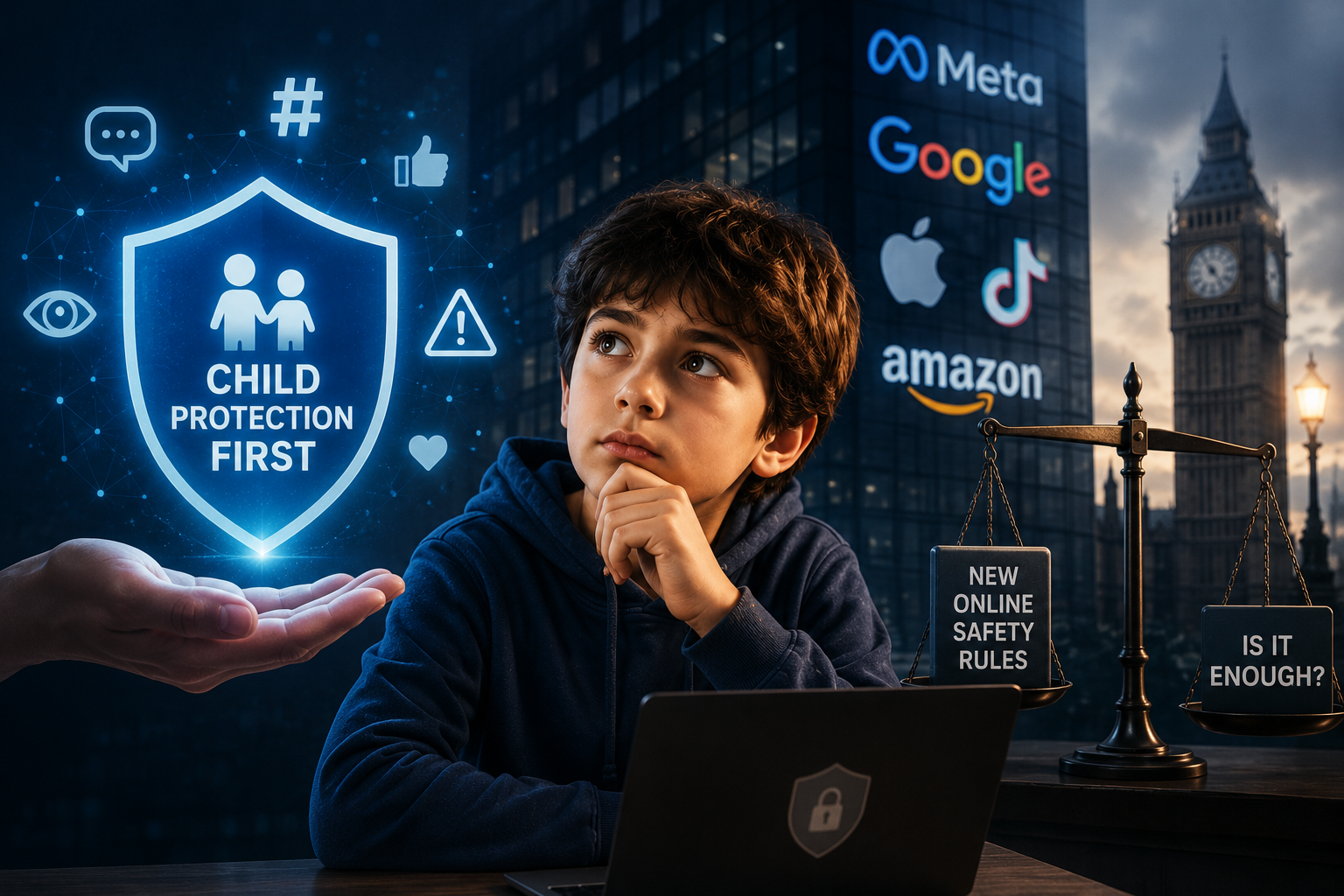
Parental controls help. But they cannot teach judgement.
Online safety works best when practical settings are supported by calm conversations and growing judgement.
Parental controls can help keep children safer online, but they are not a complete safety plan on their own.
Settings can block, filter, limit and alert. They can reduce risk. They can slow things down. They can make it harder for children to stumble into unsuitable content or be contacted by people they do not know.
But settings cannot teach judgement. They cannot explain pressure. They cannot help a child understand why a message feels wrong, why a video is manipulative, or why a private detail should stay private.
What happens when a filter misses something?
What happens when a child uses a friend’s device?
What happens when they need to make a decision without you there?
Practical Protection
Settings, filters, privacy controls, age restrictions and reporting tools all help reduce risk.
Thinking Protection
Children also need confidence, curiosity, language and the ability to ask for help when something feels wrong.
At WiseUpKids, we see online safety as more than locking things down. It is about helping children build an internal compass before the online world starts pulling them in different directions.
The long-term goal is not just a safer device. It is a wiser child.
Start With the Right Mindset
Many parents feel pressure to choose between two extremes: lock everything down and hope nothing gets through, or give children freedom and hope they work it out.
There is a better middle path. You can set boundaries while still teaching judgement. You can use parental controls without making your child feel spied on. You can say no to some things while still preparing them for the world they will eventually enter.
The Three Layers of Parental Controls
Network controls: filters on home broadband or Wi-Fi.
Device controls: settings on phones, tablets, laptops, consoles and smart TVs.
App controls: privacy, messages, comments, search and visibility settings inside each app.
A Simple Setup Checklist
Before handing over a device or allowing a new app, check whether the child’s account is set to the correct age, privacy settings are switched on, location sharing is off unless needed, and strangers are restricted from messaging or following them.
Also check whether they can make purchases, download apps, access adult content through search or video apps, and whether they know how to block, report and ask for help.
Is the account set to the correct age?
Are privacy settings switched on?
Is location sharing off?
Can strangers message or follow?
Does your child know how to block and report?
What Children Should Not Share Online
Children need clear privacy rules before they start using devices independently. Teach them not to share their full name with strangers, address, school name, phone number, email address, passwords, live location, private family information, or photos of themselves and others without permission.
A useful child-friendly rule is: “If it helps a stranger find you, contact you, pretend to know you or pressure you, do not share it.”
The Weekly Online Safety Check-In
What have you enjoyed online this week?
Has anything annoyed you or made you feel left out?
Has anyone messaged you who you do not know?
Have you seen anything that felt weird, scary or too grown-up?
Has anyone asked you to keep a secret online?
Parental Controls Without Secrecy
Some parents install controls without telling their child. That may feel easier at first, but it can damage trust if the child later feels watched or tricked.
Where possible, explain what you are setting up and why: “This is not because I think you are bad. It is because the online world is big, and you should not have to handle all of it at once.”
What To Do If Your Child Sees Harmful Content
If your child sees something frightening, sexual, hateful, violent or manipulative, your first response matters. Try not to lead with panic, anger or blame.
Start with: “Thank you for telling me.” Then check whether they are okay, whether anyone asked them to keep it secret, and what needs to happen next.
Take screenshots if needed.
Block or report the account or content.
Review privacy settings.
Speak to school if it involves classmates.
Use official reporting routes for serious harm.
Cyberbullying and Group Chats
Group chats can become intense quickly. Children may be added, excluded, mocked, pressured or expected to reply constantly.
Before your child uses messaging apps or group chats, agree some rules: do not share screenshots to humiliate someone, do not join in with pile-ons, do not forward rumours, and tell an adult if threats, sexual content or bullying appear.
When Online Safety Becomes Urgent
Some situations need immediate adult action. Act quickly if an adult or unknown person is contacting your child privately, someone asks for images, secrecy, money or personal information, your child is threatened or blackmailed, or sexual content involving a child appears.
For sexual exploitation, grooming, threats or serious online harm, use official reporting routes such as CEOP in the UK and seek safeguarding support. For immediate danger, contact emergency services.
A Family Online Safety Agreement
We protect private information.
We do not talk privately with unknown adults.
We pause before posting or replying when upset.
We do not join in with bullying, humiliation or rumours.
We tell an adult if someone asks for secrecy, images, money or personal details.
The WiseUpKids View
Parental controls are useful. Use them. But do not stop there.
Children also need language for what they see. They need confidence to question. They need permission to come back when something goes wrong. They need to understand that the online world contains persuasion, pressure, algorithms, strangers, jokes, facts, opinions and manipulation.
A child who only follows rules may be safe while the rule is visible.
A child with an internal compass has a better chance when no one is watching.
Sources and Further Reading
This article should be read alongside current guidance from trusted child-safety and safeguarding organisations:
Internet Matters – parental controls
Internet Matters – Set up safe
Ofcom – children’s media use and attitudes research
GOV.UK – Online Safety Act explainer
NSPCC – online safety guidance
CEOP – report online sexual harm